# Working with a text editor
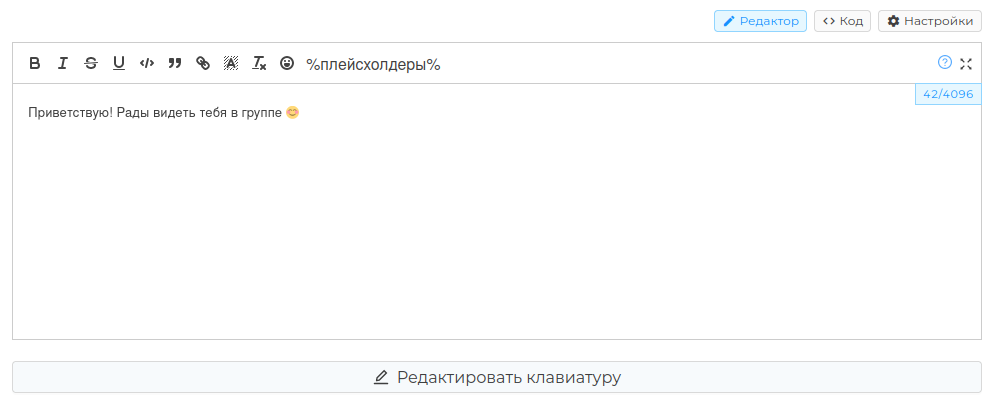
# Section "Editor"
Examples with each tool:
Bold
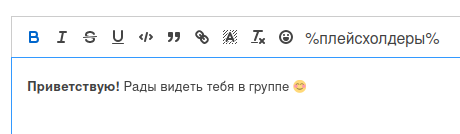
Italic
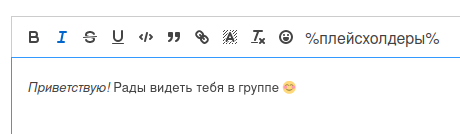
Crossed out
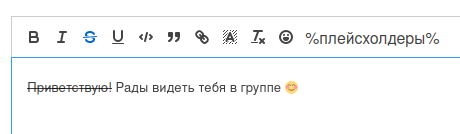
Underlined
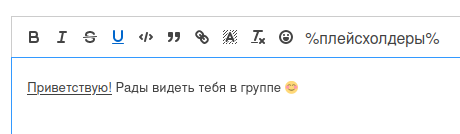
Click text </> - text that can be copied by clicking on it. The tool also increases the spacing between letters.
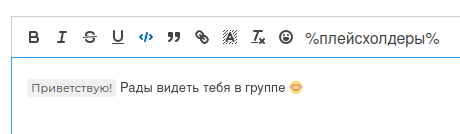
“ tool makes the text blue and increases the spacing between letters even more than in the previous mode
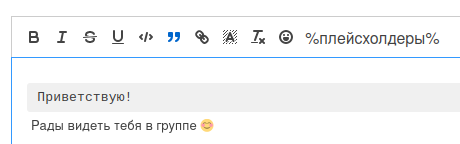
In this tool, you need to insert a link so that when the user clicks on a word, he follows the link that you insert
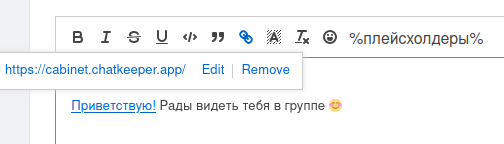
 - This tool removes the highlighted formatting
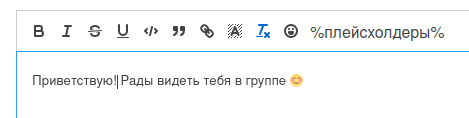
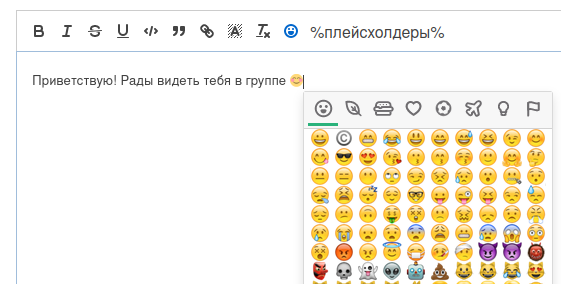
A list of emojis that can be added to the text
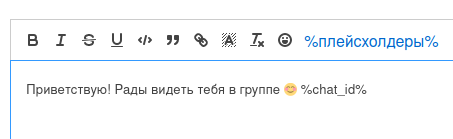
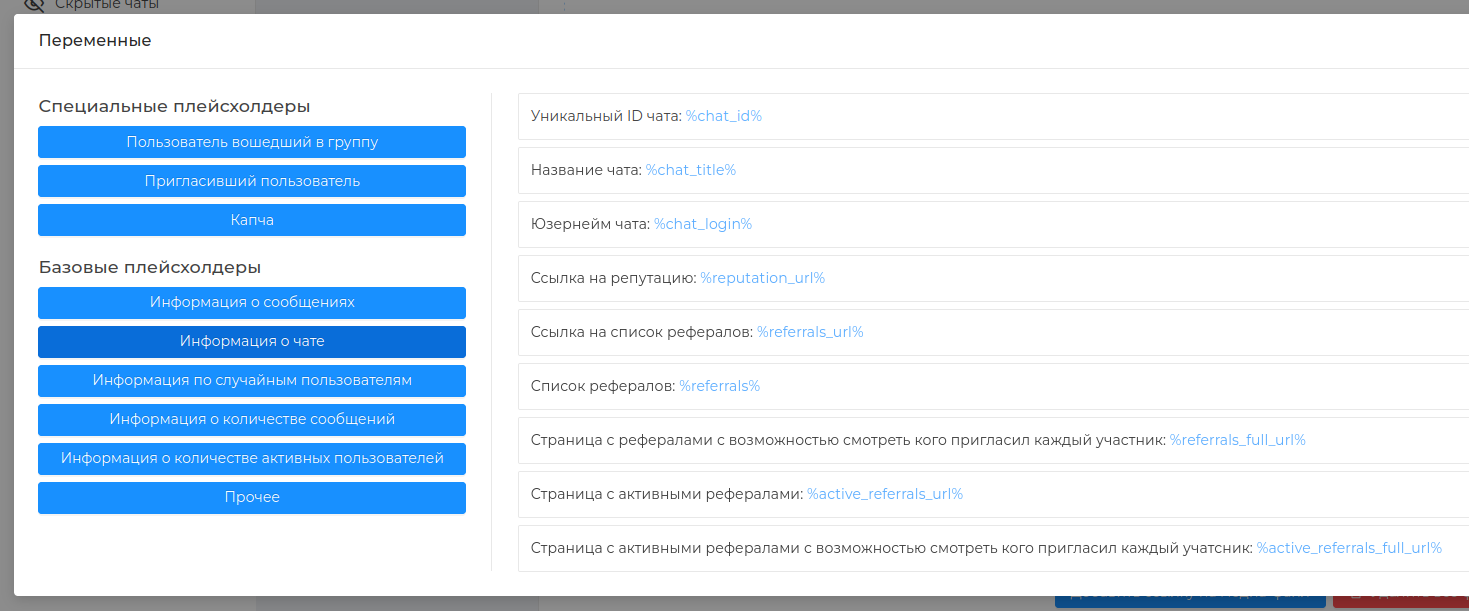
%Placeholders% will help you display various unique information in the message
# Section <>Code
In this section, the text is written using code that will help you quickly display the necessary information.
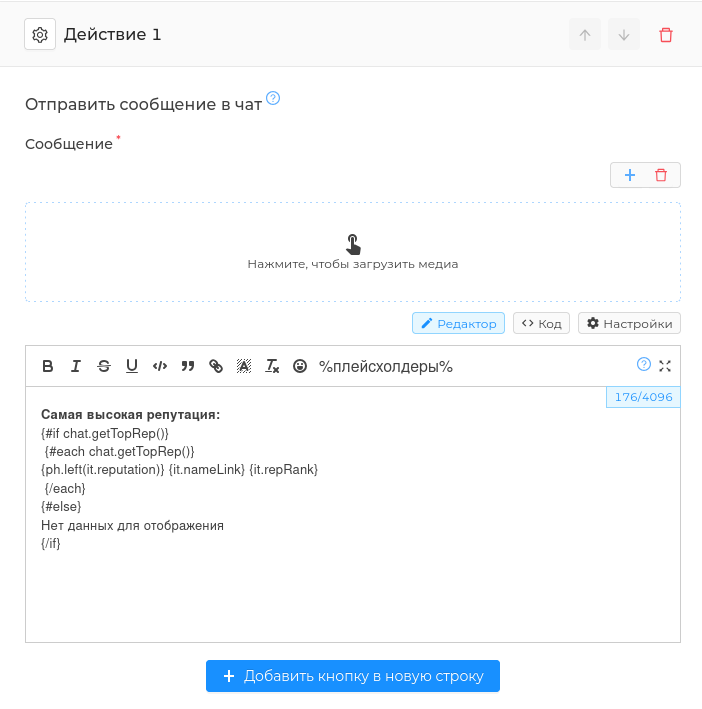
# Code for displaying information on the top of the participants:
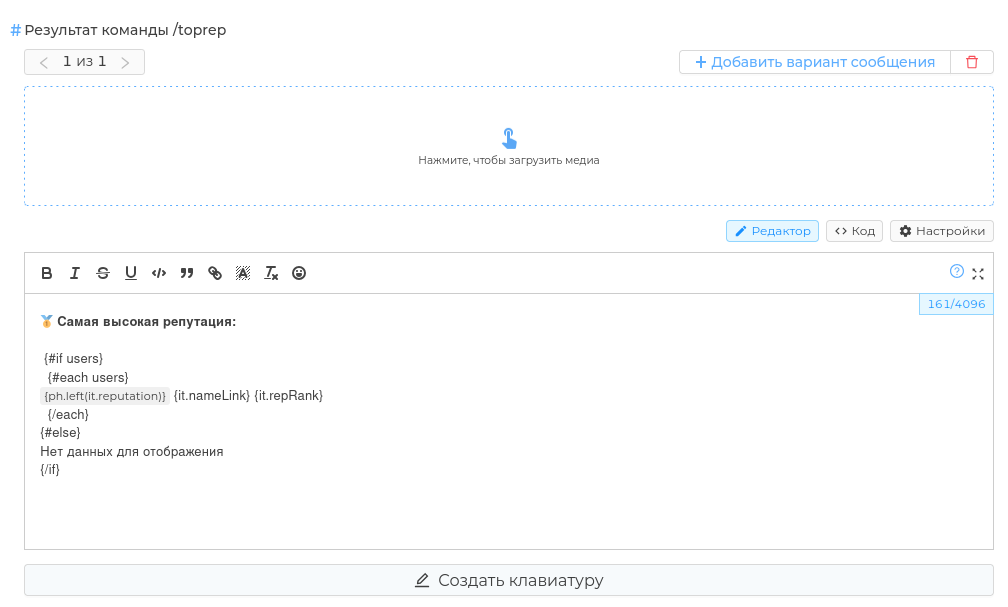
The highest reputation:
{#if chat.getTopRep()}
{#each chat.getTopRep()}
{ph.left(it.reputation)} {it.nameLink} {it.repRank}
{/each}
{#else}
Нет данных для отображения
{/if}
The finished fragment can be used in the module ["Top ratings of chat participants"] (https://cabinet.chat keeper.app/chat/CHAT_ID/module/ChatTopCommandHandlerModule). The code is inserted into the editor in the "Result of the command /toprep"
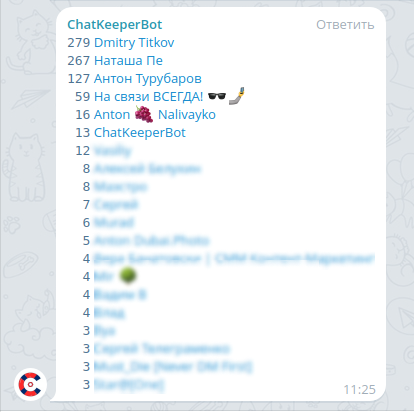
The message that will be sent to the chat when using the /toprep command:
The ready-made code can also be used to create [triggers](https://cabinet.chat keeper.app/chat/CHAT_ID/triggers), which will display information on the top chat participants. Such triggers can work without using top commands (/copper, /bottom up, /top ap, /bottomap, /topmsg, /bottom, /top xp, /bottomxp) and respond to those phrases and phrases that you specify.
For example, let's make a trigger that will work similarly to the /toprep command and output participants with the highest reputation.
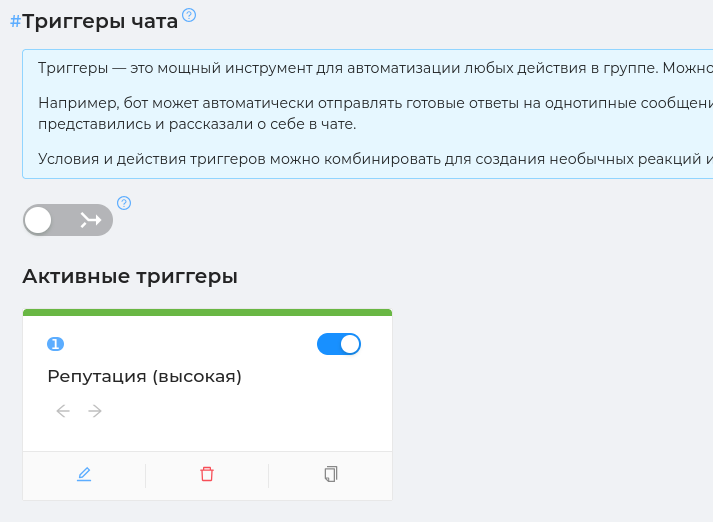
Select the condition "The message is a complete match" (condition "The message contains " also fits). Setting the value of the condition "Reputation ⬆️" - now the bot will react if a participant sends such a message to the chat.
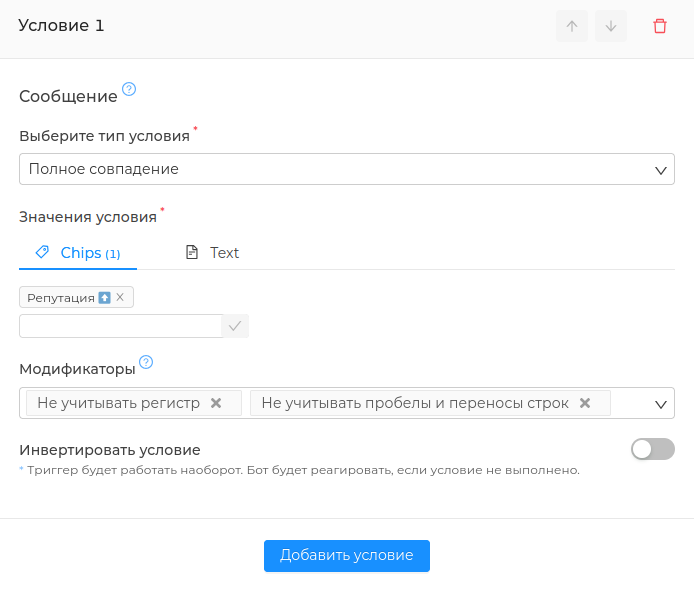
Select the condition "Send a message to the chat" and put the finished piece of code in the editor. Saving the trigger ✅
The message that will be sent to the chat if the participant sends "Reputation ⬆️"
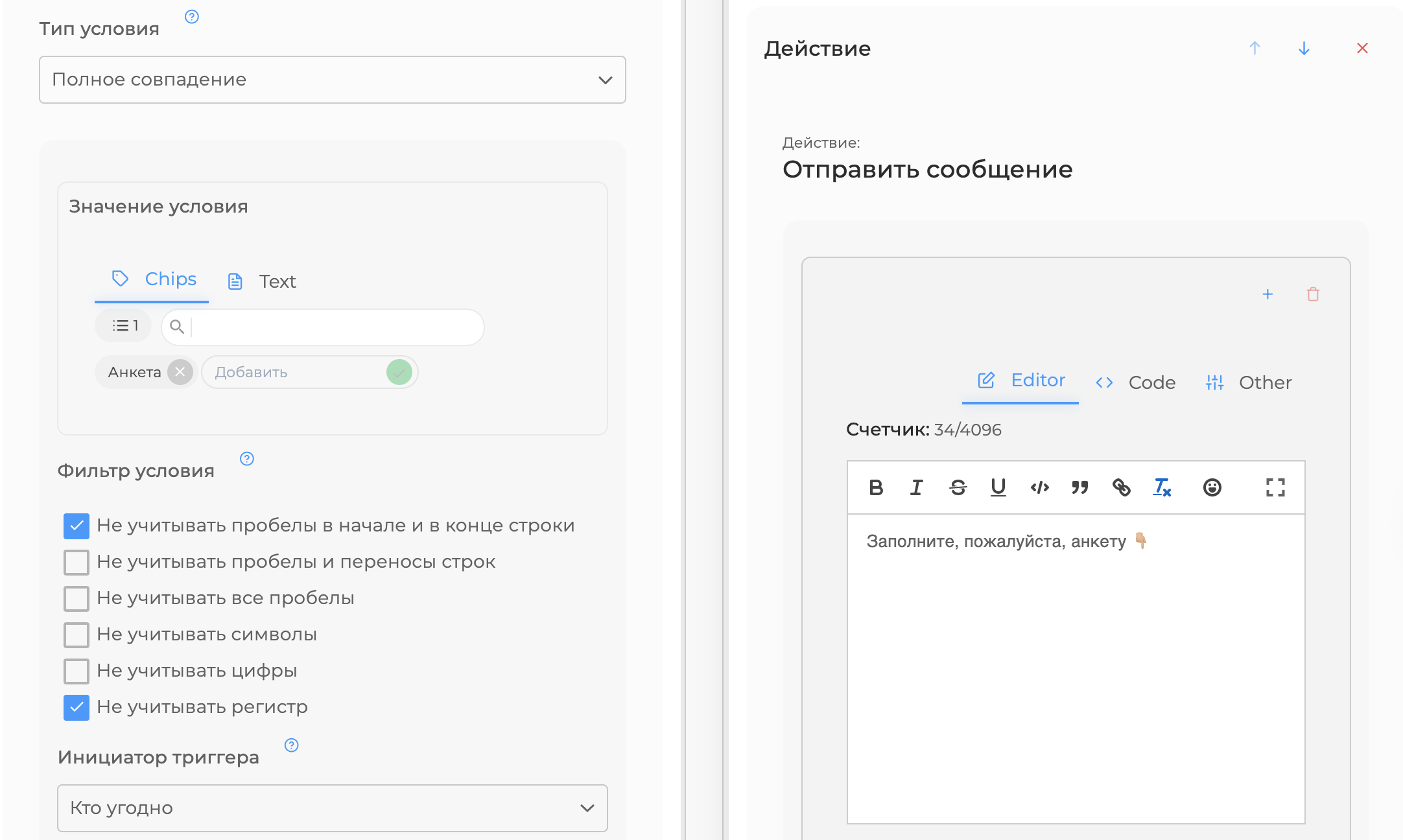
The lowest reputation. The code will show the data on the work of the team /bottomrep :
{#if chat.getBottomRep()}
{#each chat.getBottomRep()}
{ph.left(it.reputation)} {it.nameLink} {it.repRank}
{/each}
{#else}
Нет данных для отображения
{/if}
The highest number of action points. The code will show the data on the work of the team /topap:
{#if chat.getTopAp()}
{#each chat.getTopAp()}
{ph.left(it.ap)} {it.nameLink}
{/each}
{#else}
Нет данных для отображения
{/if}
The smallest number of action points. The code will show the data on the work of the team /bottomap:
{#if chat.getBottomAp()}
{#each chat.getBottomAp()}
{ph.left(it.ap)} {it.nameLink}
{/each}
{#else}
Нет данных для отображения
{/if}
The most sociable users. The code will show the data on the work of the team /topmsg:
{#if chat.getTopMsg()}
{#each chat.getTopMsg()}
{ph.left(it.msgCount)} {it.nameLink} {it.rank}
{/each}
{#else}
Нет данных для отображения
{/if}
The most silent users. The code will show the data on the work of the team /bottommsg:
{#if chat.getBottomMsg()}
{#each chat.getBottomMsg()}
{ph.left(it.msgCount)} {it.nameLink} {it.rank}
{/each}
{#else}
Нет данных для отображения
{/if}
The most experienced users. The code will show the data on the work of the team /topxp:
{#if chat.getTopXp()}
{#each chat.getTopXp()}
{ph.left(it.xp)} {it.nameLink} {it.xpRank}
{/each}
{#else}
There is no data to display
{/if}
The most inexperienced users. The code will show the data on the work of the team /bottomxp:
{#if chat.getBottomXp()}
{#each chat.getBottomXp()}
{ph.left(it.xp)} {it.nameLink} {it.xpRank}
{/each}
{#else}
There is no data to display
{/if}
# The "Settings"
In the section, you can set advanced settings for the installed message.
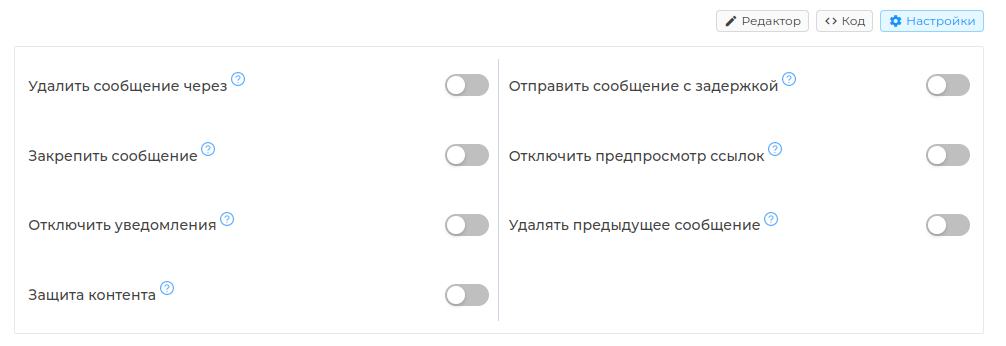
Delete a message after - the message will be deleted automatically after the specified time. Example: Leave "0" for 1 minute if you do not need to delete the message.
Pin a message The message will be automatically pinned to the group header.
Turn off notifications -
Content protection - The setting will help protect the contents of the sent message from being forwarded and saved
Send a delayed message - The message will be sent after the specified time. Leave a "0" if the message should be sent immediately.
Disable link preview - Telegram by default shows a preview of links that are in the text. The setting will help you disable the link preview.
Delete previous message - The bot will delete the previous message associated with this section of the settings. Example: The bot will send a greeting to a new user and delete the greeting of the user who joined before him.